

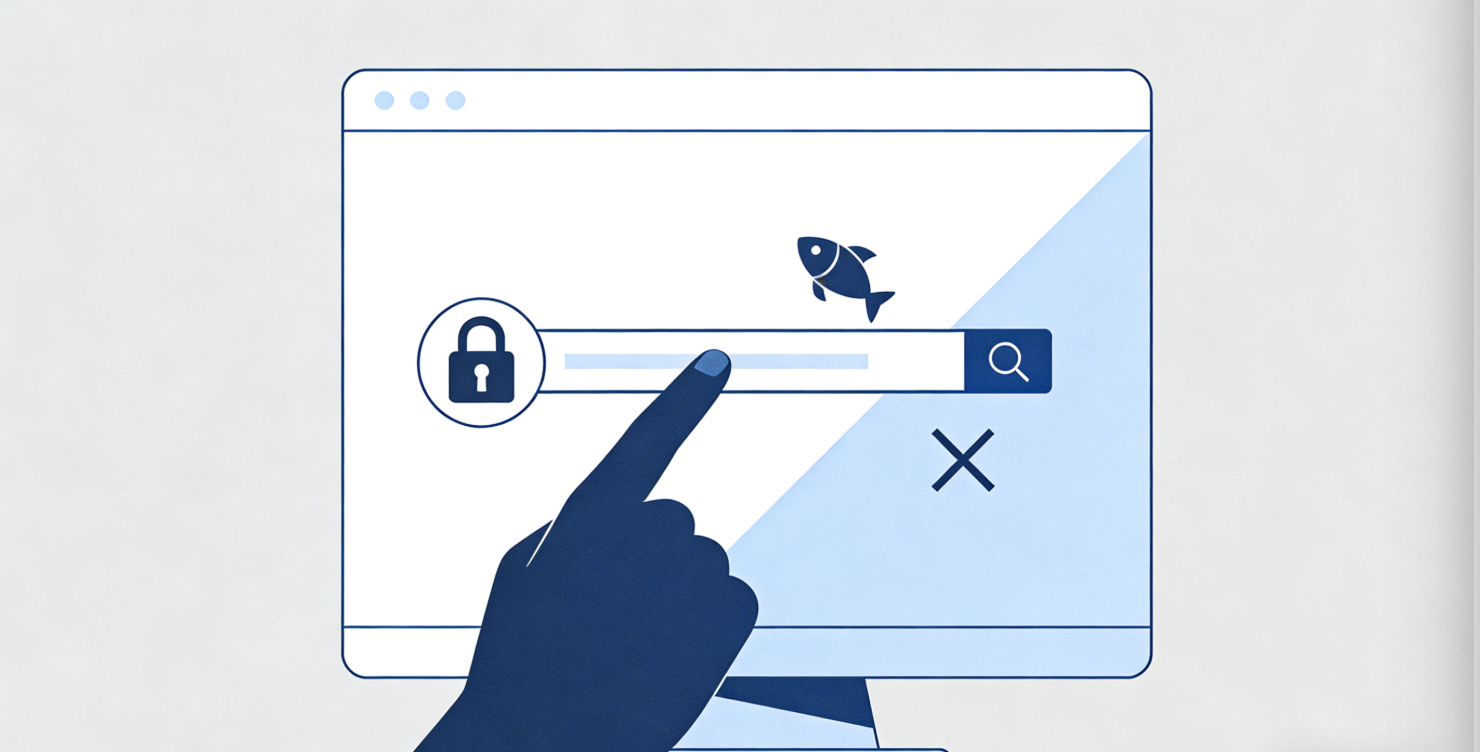
As cryptocurrency trading grows more mainstream, Coinbase’s security team has observed cybercriminals using increasingly diverse and persistent tactics to steal digital assets. While this may sound concerning, the good news is that you can significantly strengthen your digital security with just a few simple steps. These practices help protect your funds on Coinbase and can be applied to all your online accounts.
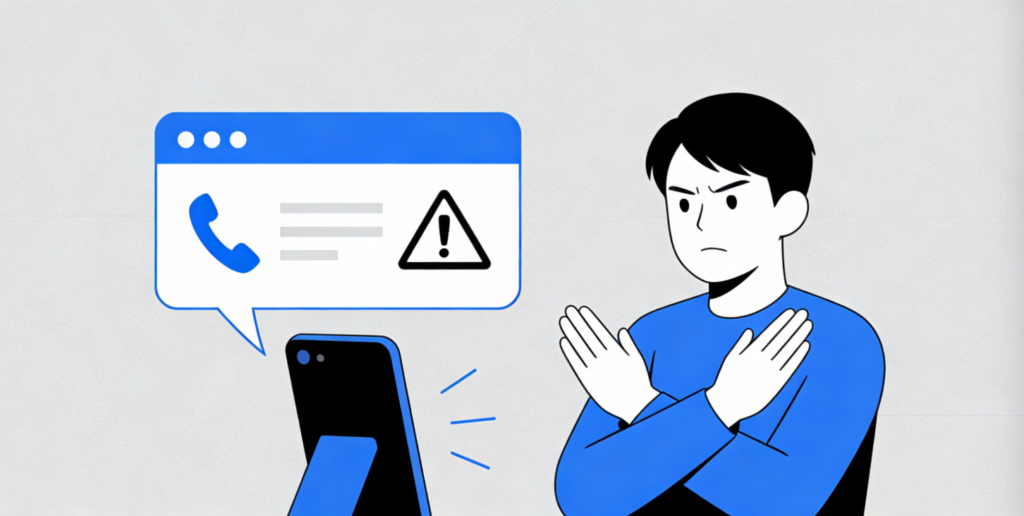
When unauthorized users log into your account to carry out fraudulent activity, this is known as an Account Takeover (ATO). So how do bad actors gain access in the first place? One common method is a SIM-swap attack.
Fraudsters contact your mobile carrier pretending to be you and convince support staff to reassign your phone number to a new SIM card. Once successful, they receive all your calls and text messages — including SMS-based two-factor authentication (2FA) codes. They then combine these codes with stolen passwords to attempt access to your email, social media, cloud storage, or financial accounts like Coinbase.
Coinbase employs extensive backend systems to detect and block SIM-swap attacks targeting our users. We also recognize that SMS-based 2FA is better than no 2FA at all. Even so, we strongly encourage you to apply the following two security practices to all important accounts, not just Coinbase.
Use a password manager
Your passwords should be at least 16 characters long, highly complex, and unique for each account. Managing this manually is difficult, but password managers such as 1Password or Dashlane can generate and securely store passwords for you.
You can visit haveibeenpwned.com/Passwords to check if any of your passwords have been exposed in public data breaches.
Enable two-factor authentication (2FA)
Along with strong passwords, enable 2FA wherever available, and always use the most secure form supported — ideally a hardware security key such as a YubiKey.
- If a platform does not support hardware keys, use an authenticator app like Google Authenticator or Duo Security instead of SMS 2FA whenever possible.
- If only SMS 2FA is available, require a one-time code for every login to prevent unauthorized access even if your password is stolen.
- Consider avoiding services that offer no form of 2FA at all.
Stay vigilant online
Good security tools are important, but so is staying alert in daily use.
Avoid making yourself a target
- Do not boast about your cryptocurrency holdings online, just as you would not publicly announce large sums of money.
- Regularly review and limit your public online presence.
Watch out for scams
- Scammers often pose as tech support or fake Coinbase representatives to pressure you into revealing account details. Coinbase will never ask for your password, 2FA codes, PINs, or remote access to your device.
- Coinbase will never ask you to create test accounts on other platforms, or request ID or banking information via email or social media. We do not provide support via Facebook chat, and we will never call you unsolicited.
- If you receive suspicious contact, email [email protected] to verify its legitimacy. Remember that Microsoft, Google, and Apple will never call to warn you about issues with your computer.
Check URLs carefully
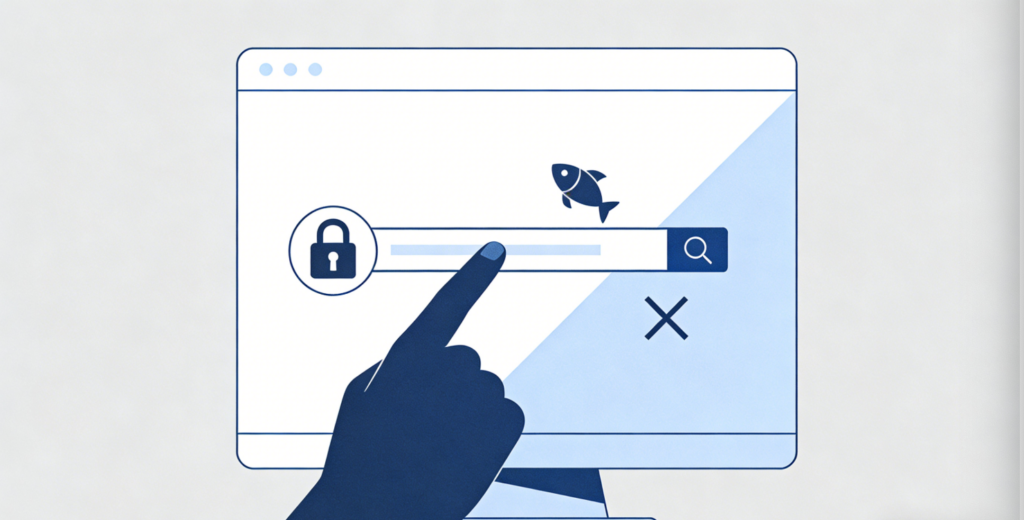
- Fake websites often mimic real exchanges to steal login information. Always verify the web address before signing in or entering sensitive data.
- For links in official emails, paste them into a text editor first to confirm the real destination before visiting in your browser.
While Coinbase has built strong security protections, users play a critical role in maintaining overall safety. Following these basic steps greatly reduces the risk of asset theft. For more guidance, visit the Coinbase Help Center.